Tag: AI Tools

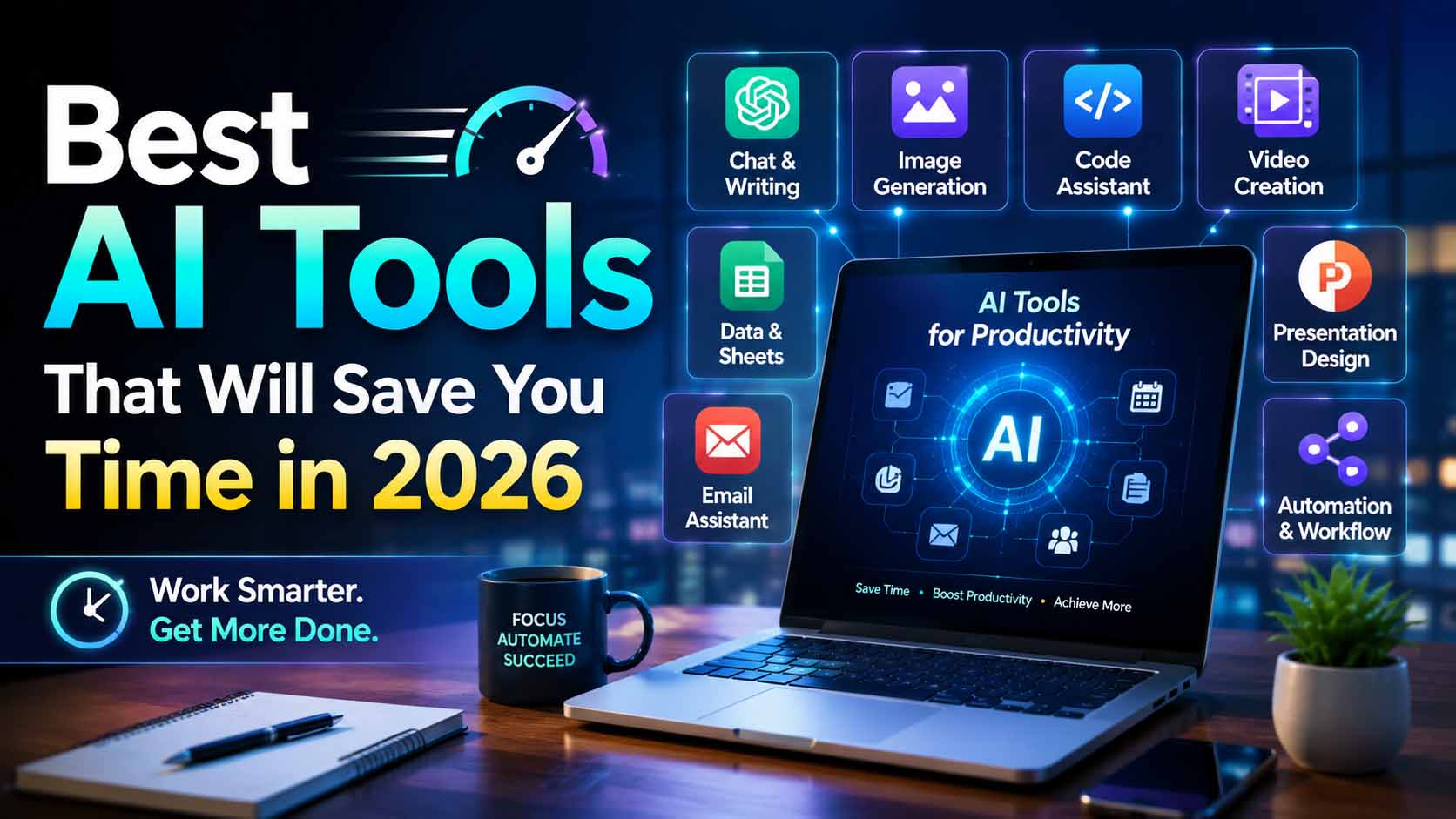
  • Best AI Tools That Will Save You Time in 2026

    Best AI Tools That Will Save You Time in 2026

    If you want to maximize your productivity, using the right 2026 AI Tools is absolutely essential.

    The landscape of daily productivity has evolved. In 2026, artificial intelligence tools are no longer just basic writing assistants; they are essential engines that drive efficiency and automate repetitive workflows. If you find yourself bogged down by administrative tasks, complex research, or slow drafting processes, integrating the right AI platform can save you countless hours every week. This guide explores the most effective AI tools available today and how they can immediately streamline your workload.

    Essential 2026 AI Tools You Need

    • How the top AI platforms differ in their core functionalities.
    • Specific use cases where each AI tool excels in a professional environment.
    • How to choose the perfect tool to eliminate your specific workflow bottlenecks.
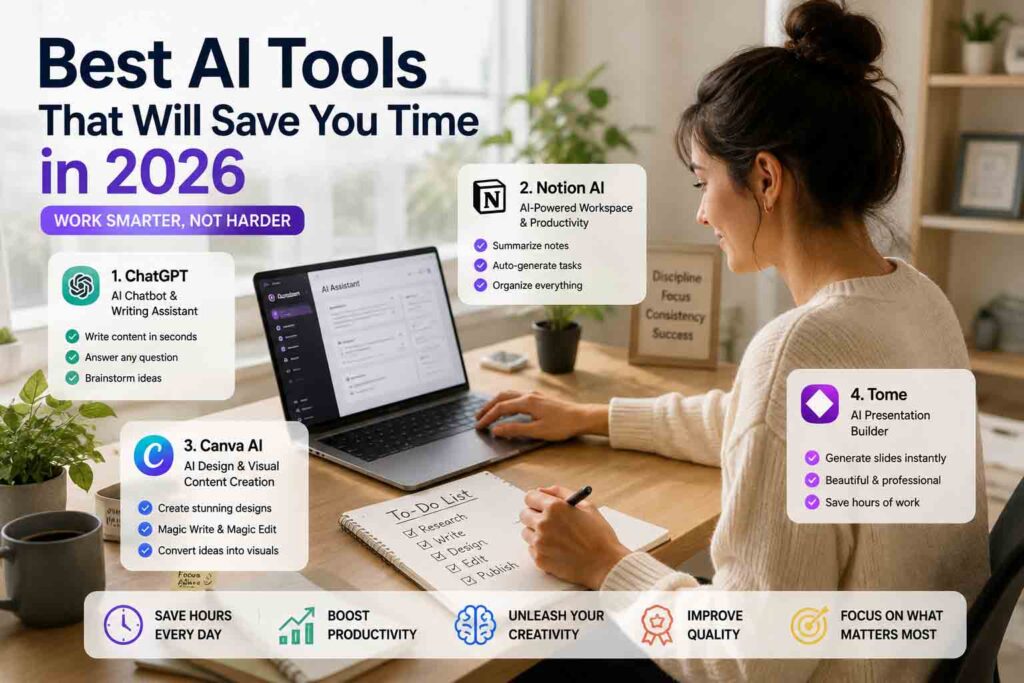
    1. ChatGPT

    As the most widely recognized AI model, OpenAI’s ChatGPT remains the gold standard for general-purpose assistance. Its constant updates have transformed it into a powerful multi-modal platform capable of handling text, voice, and data analysis simultaneously.

    Introduction

    ChatGPT acts as your highly adaptable digital assistant. Whether you need to draft emails, analyze a spreadsheet, or brainstorm marketing copy, it offers a highly intuitive chat interface that adapts to almost any professional requirement.

    Key Features

    • Advanced Data Analysis: Instantly process CSV files, create charts, and uncover trends without needing advanced Excel skills.
    • Custom GPT Builder: Create personalized AI assistants trained on your specific business documents or brand voice guidelines.
    • Canvas Interface: A dynamic side-by-side workspace that allows you to directly edit and refine AI-generated text and code without losing the chat context.

    Pros

    • Incredibly versatile across almost all digital tasks.
    • Huge library of integrations and community-built GPTs.
    • Very user-friendly for complete beginners.

    Cons

    • Can occasionally lack deep nuance in highly specialized or creative writing.
    • Usage caps on premium tiers can interrupt long working sessions.

    Best For

    General professionals, marketers, and students who need a reliable, “jack-of-all-trades” assistant for daily multi-tasking.


    2. Google Gemini

    Google Gemini is built for scale and integration. Powered by a massive context window, it is the ultimate tool for users who already live inside the Google ecosystem and need to process enormous amounts of information at once.

    Introduction

    Gemini goes beyond standard chatting by seamlessly connecting with the tools you already use. It acts as an analytical powerhouse that can read through entire libraries of documents in seconds.

    Key Features

    • Ultra-Large Context Window: Capable of analyzing hundreds of pages of text, hours of video, or massive codebases in a single prompt.
    • Workspace Integration: Natively connects to Gmail, Google Docs, and Google Drive to retrieve files and summarize long email threads.
    • Native Multi-Modality: Understands audio, video, and text naturally, without needing to convert everything to text first.

    Pros

    • Unmatched ability to analyze massive datasets without forgetting context.
    • Saves time by working directly inside your existing Google files.
    • Lightning-fast response times for complex queries.

    Cons

    • Sometimes struggles with highly creative or unconventional formatting requests.
    • Requires specific prompting to accurately locate specific files in cluttered Google Drives.

    Best For

    Enterprise workers, researchers, and power users who heavily rely on Google Workspace and need to summarize massive amounts of data.


    3. Claude

    Anthropic’s Claude has earned a reputation as the “thinker’s AI.” It stands out for its exceptional reasoning capabilities, highly nuanced writing style, and advanced coding proficiency.

    Introduction

    If you are tired of AI text sounding robotic or repetitive, Claude is the solution. It offers a much more natural, human-like cadence and is built with strict safety and logical frameworks to prevent errors.

    Key Features

    • Artifacts Window: Automatically opens generated code, websites, or long documents in a separate, interactive panel next to your conversation.
    • Advanced Logical Reasoning: Excels at complex problem-solving, mathematical reasoning, and high-level software architecture.
    • Human-like Prose: Generates text that requires significantly less editing to sound natural and professional.

    Pros

    • Produces the highest quality, most natural-sounding written content on the market.
    • Exceptional accuracy for complex coding and debugging tasks.
    • Clean, distraction-free interface.

    Cons

    • Lacks a native internet search function for real-time news retrieval.
    • Lower daily message limits compared to some competitors.

    Best For

    Software developers, writers, and analysts who require deep logical reasoning and high-quality, publish-ready text.


    4. Perplexity AI

    Perplexity AI is revolutionizing how we gather information. Instead of giving you a list of blue links to click through, it acts as a conversational answer engine that does the research for you.

    Introduction

    For research-heavy workflows, Perplexity is an absolute game-changer. It scans the web in real-time and compiles comprehensive answers backed by hyperlinked citations, completely eliminating search engine fatigue.

    Key Features

    • Real-Time Citations: Every fact is numbered and linked directly to its source, allowing for instant verification.
    • Pro Search: An advanced mode that asks you clarifying questions to ensure it gathers exactly the data you are looking for.
    • Collections and Threads: Easily organize your research topics into shareable, categorized folders.

    Pros

    • Drastically reduces the time spent researching and fact-checking.
    • Highly transparent; you always know exactly where the data came from.
    • Bypasses SEO spam and irrelevant websites.

    Cons

    • Not designed for long-form content generation or creative writing.
    • Quality of answers heavily depends on the quality of currently published web content.

    Best For

    Journalists, students, strategists, and anyone whose job requires hours of web research and strict fact-checking.


    5. Notion AI

    Notion AI takes a different approach by embedding artificial intelligence directly into the place where your team already works, organizes, and collaborates.

    Introduction

    Rather than switching tabs to talk to a chatbot, Notion AI lives inside your documents. It helps you write, edit, and organize unstructured thoughts into clean project management databases seamlessly.

    Key Features

    • Inline Text Manipulation: Highlight any paragraph to instantly rewrite it, change the tone, fix grammar, or summarize it.
    • Database Autofill: AI can automatically generate tags, summaries, or action items based on the content of your project pages.
    • Workspace Q&A: Ask questions like “What were the key takeaways from last week’s meeting?” and the AI will search your entire workspace for the answer.

    Pros

    • Eliminates context switching by keeping the AI inside your document editor.
    • Brilliant for cleaning up messy meeting notes into structured action plans.
    • Retrieves lost information quickly from massive company wikis.

    Cons

    • The underlying model is not as powerful for complex coding or reasoning as ChatGPT or Claude.
    • You must already use and maintain a clean Notion workspace to get the most value out of it.

    Best For

    Project managers, startup teams, and highly organized individuals who use Notion as their primary digital brain.
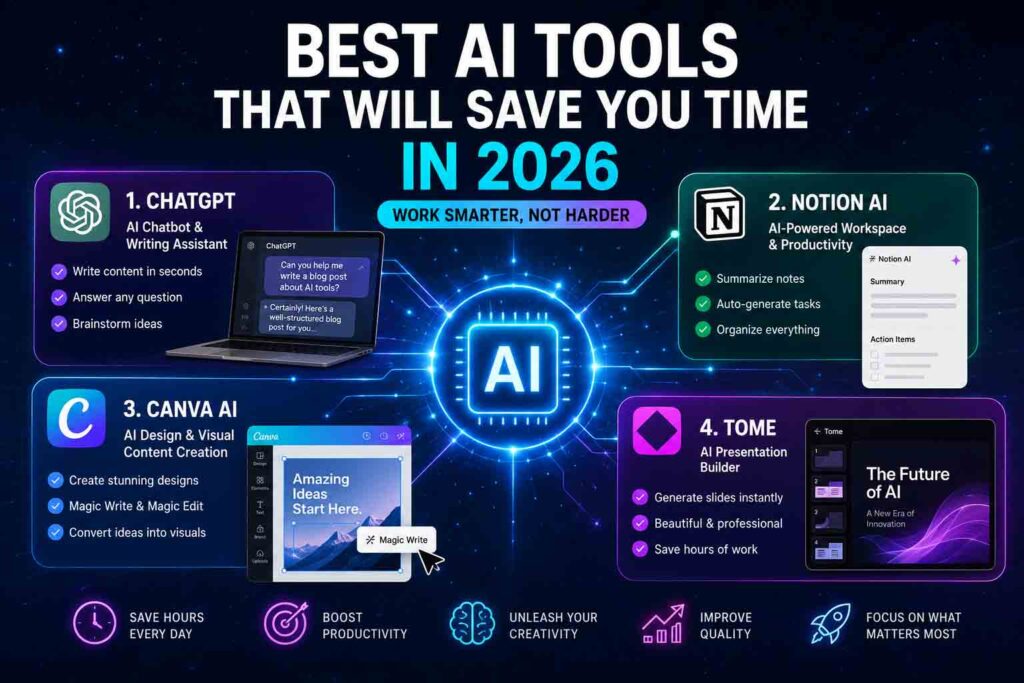

    AI Tools Comparison Table

    AI ToolPrimary StrengthBest Suited For
    ChatGPTVersatile automation & custom GPTsGeneral productivity & multi-modal tasks
    Google GeminiDeep Google Workspace integrationEcosystem power users & large context analysis
    ClaudeAdvanced reasoning & nuanced writingCoding, complex analysis & long-form drafting
    Perplexity AIReal-time accurate researchInformation gathering & fact-checking
    Notion AIContextual workspace managementNote-taking, project tracking & internal knowledge bases

    Frequently Asked Questions (FAQ)

    Are these AI tools secure for sensitive corporate data?

    Most premium tiers of these tools (such as ChatGPT Team/Enterprise or Google Workspace Enterprise) offer robust data privacy agreements, ensuring your inputs are not used to train future public models. Always verify your organization’s compliance guidelines before pasting proprietary data.

    Do I need to pay for all of these tools to be productive?

    Absolutely not. It is best to identify your primary workflow bottleneck. If it is research, choose Perplexity. If it is document management, choose Notion AI. For general use, the free tiers of ChatGPT or Claude are often sufficient to start.

    Can these tools fully automate my daily tasks?

    They act as powerful co-pilots rather than completely autonomous workers. They drastically accelerate drafting, editing, coding, and researching, but still require human oversight, verification, and strategic direction.

    Which AI tool is best for beginners?

    ChatGPT is generally considered the best starting point for beginners due to its highly intuitive chat interface, conversational tone, and versatile capabilities that handle general day-to-day tasks with zero learning curve.

    Can I use multiple AI tools together?

    Yes, combining tools can create highly optimized workflows. For example, many professionals use Perplexity AI to gather deeply cited research materials and then bring that data into Claude for high-level technical drafting or coding development.

    Final Thoughts

    Reclaiming your time in 2026 is not about working harder; it is about delegating the cognitive heavy lifting to the right specialized platforms. By matching your primary daily friction points—whether that is endless reading, repetitive writing, complex coding, or chaotic project tracking—to the specific strengths of these top five AI tools, you can easily save hours of operational overhead every single week. Start by integrating just one tool into your routine, and watch your productivity multiply.

    Related Articles

    • Best AI Agents That Will Change the Way You Work in 2026
    • The Ultimate Guide to AI Workflow Automation
    • Top Passive Income Ideas in 2026

     Add More Joy & Useful Information to Your Everyday Life

    Explore our YouTube channels and TikTok for relaxing music, trending products, helpful tips, and inspiring content updated regularly.


     Adding Joy & Useful Information to Your Everyday Life 

    Thank you for visiting. We hope you enjoyed this article and found it helpful.

     관련기사

     참고자료

    • OpenAI
    • Google Workspace
    • Microsoft
    • Notion
    • Zapier

    [🔗 함께 읽으면 좋은 우리 블로그 글]

    👉 항노화(Anti-Aging): 건강한 노화를 위한 과학적 접근 완벽 가이드

  • Google Gemini vs ChatGPT in 2026: Which AI Assistant Is Better?

    Google Gemini vs ChatGPT in 2026: Which AI Assistant Is Better?

    Introduction

    Artificial intelligence has evolved from an experimental tech demo into an indispensable companion for daily productivity, creative work, and complex decision-making. As we navigate 2026, generative AI assistants are integrated into web browsers, mobile operating systems, office suites, and enterprise workflows. Millions of users rely on AI every single day to summarize complex documents, write production-grade code, draft strategic plans, and generate visual artwork.

    Google Gemini vs ChatGPT. At the forefront of this AI revolution stand two undisputed titans: Google Gemini and OpenAI ChatGPT. Both platforms have invested billions of dollars into research, expanding context windows, introducing real-time voice and video multimodal capabilities, and integrating complex reasoning architectures.

    However, as both tools become increasingly sophisticated, choosing the right assistant for your specific workflow has become more challenging. Is Google’s deep integration with Search and Workspace superior, or does OpenAI’s specialized reasoning and developer ecosystem hold the crown? This comprehensive head-to-head comparison evaluates features, performance, pricing, and real-world usability to help you determine which AI assistant reigns supreme in 2026.

    What is Google Gemini?

    Google Gemini is Google’s flagship multimodal AI model, designed from the ground up to seamlessly process and combine different types of information, including text, code, audio, images, and video. Integrated deeply into Google’s vast consumer and enterprise ecosystem, Gemini powers search features, Google Workspace apps (Docs, Gmail, Drive, Slides), and Android mobile devices.

    Key Features and Strengths

    • Massive Context Window: Gemini leads the industry with native support for processing millions of tokens of context in a single prompt. This allows users to upload entire books, hours of video, or massive code repositories for instant analysis.
    • Native Ecosystem Integration: Gemini connects directly to Google Drive, Gmail, Docs, Maps, and YouTube, allowing the assistant to pull real-time personal data and web information without switching tabs.
    • Multimodal Native Architecture: Unlike models that stitch separate vision or speech modules onto a text core, Gemini was trained multimodally from inception, delivering smooth, real-time voice conversations and precise visual recognition.
    • Deep Web Grounding: Leveraging Google’s search index, Gemini offers reliable, up-to-the-minute web retrieval with direct source citations.

    Supported Platforms and Use Cases

    Gemini is available via a dedicated web web interface, native mobile applications on Android and iOS, and direct integration within Google Workspace for Business and Education. Typical use cases include research over massive document sets, automated email drafting, real-time trip planning with Google Maps, and enterprise data analysis.

    What is ChatGPT?

    ChatGPT, developed by OpenAI, is the revolutionary conversational AI assistant that sparked the generative AI boom. In 2026, ChatGPT operates on OpenAI’s state-of-the-art model lineup, combining flagship multimodal intelligence with specialized reasoning architectures that mimic step-by-step human problem-solving.

    Key Features and Strengths

    • Advanced Reasoning Engine: OpenAI’s reasoning series allows ChatGPT to execute deliberate, multi-step logical chains before responding, making it exceptionally strong in advanced mathematics, science, and complex logic puzzles.
    • The Canvas Interface: ChatGPT features an interactive workspace called Canvas, designed specifically for writing and coding projects. It enables side-by-side editing, inline feedback, and granular revisions without rewriting whole prompts.
    • Custom GPTs and Store: Users can build and deploy custom-tailored GPT assistants with specialized knowledge bases and custom actions, tapping into a massive public directory of community-built tools.
    • Advanced Voice Mode: Delivering near-zero latency, human-like cadence, emotional tone modulation, and real-time interruption capabilities, ChatGPT’s voice interface remains a benchmark for natural voice interaction.

    Supported Platforms and Use Cases

    ChatGPT is accessible via web browsers, native desktop apps for macOS and Windows, mobile apps for iOS and Android, and enterprise API endpoints. Common applications include software development, creative writing, instructional tutoring, complex data transformation, and workflow automation.

    Feature Comparison

    To help you quickly gauge how both platforms perform across core tasks, here is a breakdown of their primary capabilities:

    Feature CategoryGoogle GeminiOpenAI ChatGPTWinner
    Writing & ToneHighly natural, objective, customizable tone slidersFluid, highly creative, excellent structural adaptabilityTie
    Coding & RefactoringStrong code generation, huge context for full reposExceptional debugging, step-by-step reasoning, Canvas editorChatGPT
    Image GenerationPowered by Imagen 3; high photorealism & text renderingPowered by DALL-E 3; high artistic precision & prompt adherenceTie
    Deep ResearchIngests up to 2M tokens; direct access to live Google SearchStrong web browser; excellent synthesis of academic papersGemini
    Reasoning & LogicStrong general logic; fast processing speedsSpecialized reasoning models for STEM and complex logicChatGPT
    Processing SpeedExtremely fast throughput, near-instant responsesFast standard output; slower deliberate reasoning modesGemini
    Factual AccuracyHigh grounding with real-time web citationsHigh accuracy; occasional hallucinations in non-reasoning modeGemini
    User ExperienceClean, minimalist, deeply tied to Google WorkspaceFeature-rich, customizable, dedicated workspace modesChatGPT

    Writing and Editing

    Both AI assistants excel at natural language generation, but they approach tone and structure differently.

    Google Gemini leans toward a clean, concise, and structured writing style. It excels at synthesizing technical documentation into clear, bulleted executive summaries. Its direct integration with Google Docs means you can draft, edit, and format documents right inside your workspace without copying and pasting.

    ChatGPT, on the other hand, exhibits greater stylistic flexibility. Whether you need a formal grant proposal, a dramatic narrative, or an engaging marketing script, ChatGPT adapts quickly to nuanced persona requests. Its Canvas interface provides a dedicated side-by-side editor where you can highlight specific paragraphs to adjust reading levels, edit line by line, or polish prose with fine control.

    Coding and Software Engineering

    For developers, both tools offer powerful assistance, but their strengths diverge based on project scale.

    Gemini’s massive context window is a game-changer for large-scale codebase analysis. You can upload an entire repository or a 500-page API documentation framework, and Gemini will accurately map dependencies, identify bugs, or explain legacy functions across thousands of lines of code simultaneously.

    ChatGPT remains the preferred choice for active development and complex debugging. Its dedicated reasoning capabilities break down intricate algorithmic problems step-by-step before writing code. Combined with the coding Canvas, developers can review code diffs, run inline refactoring, and generate unit tests seamlessly.

    Image Generation and Media Capabilities

    Visual asset creation is a core component of both AI suites.

    Gemini utilizes Google’s Imagen 3 engine, producing crisp, photorealistic images with remarkable handling of complex lighting, textures, and legible text within images. It excels at generating realistic stock photography, promotional material, and natural landscapes.

    ChatGPT leverages DALL-E 3, which stands out for strict prompt adherence and artistic imagination. DALL-E 3 understands complex spatial relationships and stylized artistic directions exceptionally well, making it ideal for conceptual art, vector-style illustrations, and creative branding concepts.

    Deep Research and Context Handling

    When analyzing massive quantities of information, Gemini holds a distinct structural advantage. With native support for context windows spanning up to two million tokens, Gemini can swallow dense legal briefs, academic textbooks, or hours of recorded audio in a single prompt. It reads through raw data rapidly and cross-references facts against Google’s real-time search index.

    ChatGPT approaches deep research through structured web search modules and academic search tools. While its standard context window is smaller than Gemini’s, its ability to iteratively search the web, evaluate source credibility, and synthesize multi-page research digests makes it a powerful academic companion.

    Reasoning and Problem Solving

    In advanced mathematical proofs, symbolic logic, and multi-variable problem-solving, ChatGPT’s dedicated reasoning architecture gives it an edge. When faced with complex logic puzzles or graduate-level science questions, ChatGPT pauses to construct a silent chain of thought, checking its own work before presenting the final answer.

    Gemini offers robust general reasoning and rapid calculation speed, making it highly effective for everyday business logic, financial forecasting, and general analysis. However, for deep multi-step algorithmic challenges, ChatGPT provides slightly higher consistency.

    Pricing Comparison

    Both platforms offer robust free tiers alongside premium subscription plans tailored for power users, teams, and enterprises.

    Google Gemini Pricing Structure:
    ├── Free Tier: Access to standard Gemini model, basic Google extensions, standard context limits.
    ├── Gemini Advanced (Google One AI Premium): ~$19.99/month
    │   ├── Access to flagship Gemini models
    │   ├── 2 Million token context window
    │   ├── 2TB Google One cloud storage included
    │   └── Workspace integration (Docs, Gmail, Drive)
    └── Business & Enterprise: Custom seat-based enterprise pricing with admin controls and data privacy guarantees.
    
    OpenAI ChatGPT Pricing Structure:
    ├── Free Tier: Access to standard GPT models, limited custom GPT usage, standard voice capabilities.
    ├── ChatGPT Plus: ~$20.00/month
    │   ├── Priority access to flagship models & reasoning series
    │   ├── Full access to Canvas editor, DALL-E 3, and Advanced Voice
    │   ├── Higher messaging limits and custom GPT creation
    └── ChatGPT Team & Enterprise: $25–$30+/user/month with team workspaces, administrative analytics, and zero data training policies.
    

    If you are already paying for extra Google Drive storage, Gemini Advanced offers tremendous value because it bundles a 2TB Google One storage plan into the $19.99 monthly fee. ChatGPT Plus costs virtually the same but focuses all its value directly on standalone AI productivity tools.

    Which AI is Better for Students?

    For academic research, study planning, and homework assistance, both tools offer unique advantages depending on your field of study.

    • Choose Google Gemini if: You are conducting extensive literature reviews or reading long textbooks. Gemini allows you to upload entire PDFs, lecture recordings, and slide decks at once, turning them into instant study guides, flashcards, or practice quizzes.
    • Choose ChatGPT if: You are studying STEM subjects, computer science, or advanced mathematics. ChatGPT’s step-by-step reasoning engine acts as an interactive tutor, walking you through complex equations, physics problems, and logic proofs without jumping straight to the answer.

    Which AI is Better for Businesses?

    For corporate productivity, enterprise communication, and workflow automation, the deciding factor often comes down to your existing software stack.

    • Choose Google Gemini if: Your company is fully invested in Google Workspace (Gmail, Google Docs, Drive, Sheets, and Meet). Gemini operates directly inside your daily workflow—it can draft email replies based on previous email threads, summarize long Google Meet recordings, and build Google Slides presentations automatically from Drive documents.
    • Choose ChatGPT if: Your business requires customized workflow assistants and standalone creative tools. With Custom GPTs, companies can build internal knowledge bots trained on HR policies, customer support guidelines, or sales playbooks without writing code.

    Which AI is Better for Content Creators?

    Digital marketers, YouTubers, bloggers, and copywriters need AI assistants that can brainstorm ideas, write compelling copy, and assist with multimedia production.

    • Choose Google Gemini if: You produce video content or rely heavily on real-time trends. Gemini can analyze YouTube videos directly via URL, draft SEO-optimized video scripts, generate realistic promotional images via Imagen 3, and verify facts using live Google Search data.
    • Choose ChatGPT if: You write long-form articles, creative stories, or social media campaigns. The Canvas editor makes refining prose effortless, while DALL-E 3 allows you to maintain stylistic consistency across graphic design assets.

    Which AI is Better for Developers?

    Software engineers, data scientists, and DevOps professionals demand precision, fast execution, and excellent code comprehension from an AI tool.

    Developer Decision Matrix:
    
    Large Codebase Auditing / Heavy Documentation ──> Google Gemini (2M Token Window)
    Complex Algorithmic Logic / Interactive Refactoring ──> ChatGPT (Canvas & Reasoning Series)
    
    • Choose Google Gemini if: You need to refactor legacy code, analyze massive full-stack repositories, or digest thousands of pages of API documentation in one go.
    • Choose ChatGPT if: You want an interactive pair-programmer. The Canvas interface lets you debug code side-by-side, generate comprehensive unit tests, translate code between programming languages, and solve complex architectural bottlenecks.

    Pros and Cons

    Google Gemini

    Pros

    • Massive 2M token context window handles enormous files effortlessly.
    • Seamless integration with Google Workspace, Android, and Google Search.
    • Gemini Advanced includes 2TB of Google One cloud storage.
    • Ultra-fast generation speeds and real-time multimodal capabilities.

    Cons

    • Fewer specialized creative writing modes compared to ChatGPT.
    • Lacks a dedicated community marketplace for custom user-built bots.
    • Can occasionally be over-conservative in safety guardrails for creative prompts.

    OpenAI ChatGPT

    Pros

    • Exceptional reasoning capabilities for complex logic, math, and coding.
    • Interactive Canvas workspace simplifies writing and code editing.
    • Vast ecosystem of Custom GPTs and community plugins.
    • Superior Advanced Voice mode with expressive emotional range.

    Cons

    • Standard context window is smaller than Gemini’s flagship offering.
    • No bundled cloud storage or native Google Workspace integration.
    • Deliberate reasoning modes can take longer to process responses.

    Expert Analysis

    When evaluating Google Gemini and OpenAI ChatGPT side-by-side in 2026, it becomes clear that there is no single “winner” for every user. Instead, the AI landscape has bifurcated into two distinct operational paradigms: Ecosystem Integration vs. Standalone Intelligence.

    Google Gemini represents the ultimate ecosystem assistant. By embedding AI directly into Google Search, Gmail, Docs, and Android, Google has minimized friction. Users do not need to alter their habits; Gemini meets them inside the apps they already use every day. Its ability to process millions of tokens makes it an unmatched research engine for digesting heavy media and enterprise documentation.

    OpenAI ChatGPT represents the quintessential standalone AI toolkit. OpenAI has focused on deepening the core problem-solving capabilities of its models. With specialized reasoning architectures, the Canvas editing environment, and an expressive voice engine, ChatGPT feels like a dedicated, highly skilled digital partner. It excels when you need deep, focused work—whether that means architecting complex software or writing a novel.

    Rather than competing on identical grounds, Gemini has become the ultimate assistant for information retrieval and workflow integration, while ChatGPT remains the premier tool for creative iteration and complex reasoning.

    Frequently Asked Questions

    1. Which AI is more accurate in 2026, Gemini or ChatGPT?

    Both systems have drastically reduced hallucination rates compared to earlier generations. Gemini generally offers stronger real-time factual accuracy for current events due to its direct integration with Google Search. ChatGPT provides higher accuracy in formal logic, mathematics, and complex code execution due to its deliberate reasoning modes.

    2. Can I use Google Gemini and ChatGPT for free?

    Yes, both platforms offer robust free tiers. Free users can access conversational text generation, basic web browsing, image creation, and standard mobile app functionality on both services.

    3. What is the main benefit of Gemini’s 2 million token context window?

    A 2 million token context window allows you to feed the AI massive amounts of information in a single prompt—such as a 1,500-page book, an entire software code repository, or a 1-hour video file—and ask specific questions or generate summaries without losing context.

    4. Is ChatGPT Plus worth $20 a month in 2026?

    If you rely heavily on advanced coding, creative writing, step-by-step logic, or frequent voice interactions, ChatGPT Plus remains one of the best productivity investments available. Access to Canvas, reasoning models, and Custom GPTs easily justifies the cost for power users.

    5. Does Google Gemini Advanced include Google One storage?

    Yes. The Gemini Advanced subscription is bundled into the Google One AI Premium Plan, which includes 2TB of cloud storage for Google Drive, Gmail, and Google Photos, adding significant value for existing Google users.

    6. Which AI generates better images, Imagen 3 or DALL-E 3?

    Imagen 3 (in Gemini) generally produces higher photorealism, natural textures, and cleaner typography within images. DALL-E 3 (in ChatGPT) excels at understanding complex, stylized prompts, artistic directions, and imaginative concepts.

    7. Can ChatGPT access real-time internet information?

    Yes, ChatGPT has integrated web browsing capabilities that allow it to search the live internet, summarize current news, and cite sources with links.

    8. Which AI assistant is better for privacy and data security?

    Both Google and OpenAI offer enterprise-grade privacy plans (Gemini for Google Workspace and ChatGPT Enterprise) where user data and prompts are strictly excluded from AI model training datasets. Free and standard consumer tiers may use non-sensitive interaction data for model improvement unless opted out.

    9. Can Gemini analyze YouTube videos directly?

    Yes. Because Gemini is built by Google, you can paste a YouTube URL into Gemini and ask it to summarize the video, highlight key timestamps, or extract specific information from the audio transcript.

    10. Can I create my own custom AI tools on these platforms?

    ChatGPT allows users to create “Custom GPTs” with unique instructions, uploaded reference files, and API actions. Gemini offers customized “Gems,” allowing users to tailor system prompts and behaviors for repetitive tasks.

    Conclusion

    Choosing between Google Gemini and OpenAI ChatGPT in 2026 depends entirely on your daily tools, primary goals, and personal workflow preference.

    • Get Google Gemini if: You live inside the Google ecosystem, rely on Google Workspace apps, frequently analyze massive documents or video files, and want an AI assistant that seamlessly handles real-time web information while giving you 2TB of cloud storage.
    • Get OpenAI ChatGPT if: You need an elite pair-programmer, a sophisticated writing partner, an interactive tutor for STEM subjects, or a customizable AI tool with dedicated workspace environments like Canvas.

    Both AI assistants represent the pinnacle of modern technology. For many professionals, the ideal setup isn’t choosing one over the other, but using Gemini for information gathering and document management while leveraging ChatGPT for deep reasoning, drafting, and problem-solving.

    📌 Related Links

    📚 References & Sources

    • Google / Google DeepMind: Official resources and technical documentation on Google Gemini’s multimodal architecture and ecosystem integration.
    • OpenAI: Architectural insights and announcements regarding ChatGPT, reasoning models, and search capabilities.
    • Microsoft / Anthropic: Supporting industry context on the competitive landscape of generative AI and enterprise AI assistants.

    💡 함께 읽으면 좋은 우리 블로그 글 (Internal Links)