If you want to maximize your productivity, using the right 2026 AI Tools is absolutely essential.
The landscape of daily productivity has evolved. In 2026, artificial intelligence tools are no longer just basic writing assistants; they are essential engines that drive efficiency and automate repetitive workflows. If you find yourself bogged down by administrative tasks, complex research, or slow drafting processes, integrating the right AI platform can save you countless hours every week. This guide explores the most effective AI tools available today and how they can immediately streamline your workload.
Essential 2026 AI Tools You Need
- How the top AI platforms differ in their core functionalities.
- Specific use cases where each AI tool excels in a professional environment.
- How to choose the perfect tool to eliminate your specific workflow bottlenecks.
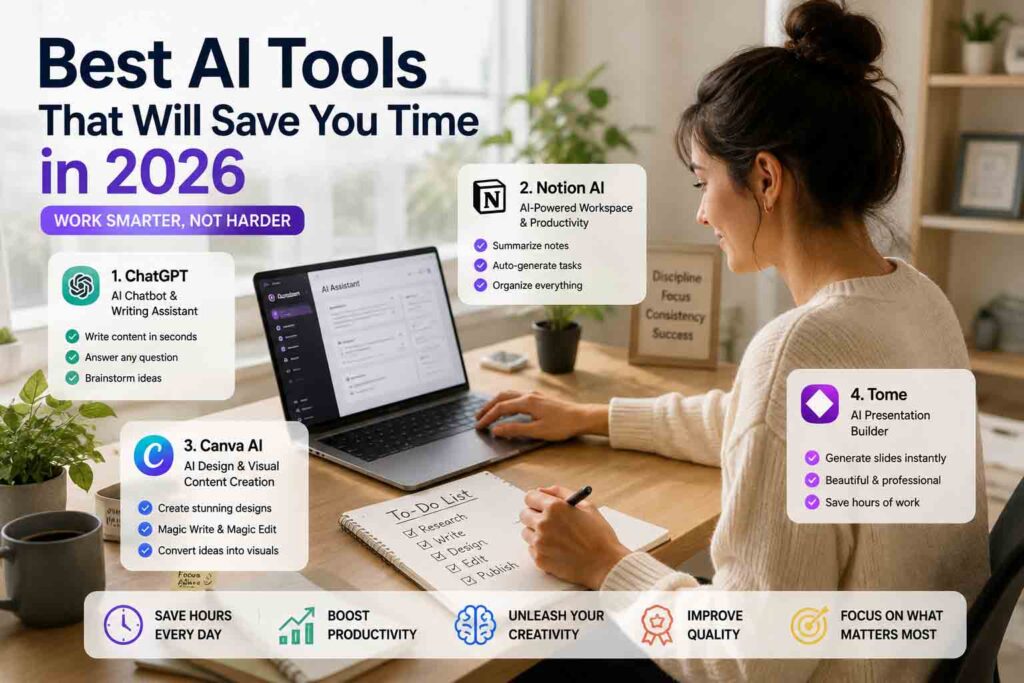
1. ChatGPT
As the most widely recognized AI model, OpenAI’s ChatGPT remains the gold standard for general-purpose assistance. Its constant updates have transformed it into a powerful multi-modal platform capable of handling text, voice, and data analysis simultaneously.
Introduction
ChatGPT acts as your highly adaptable digital assistant. Whether you need to draft emails, analyze a spreadsheet, or brainstorm marketing copy, it offers a highly intuitive chat interface that adapts to almost any professional requirement.
Key Features
- Advanced Data Analysis: Instantly process CSV files, create charts, and uncover trends without needing advanced Excel skills.
- Custom GPT Builder: Create personalized AI assistants trained on your specific business documents or brand voice guidelines.
- Canvas Interface: A dynamic side-by-side workspace that allows you to directly edit and refine AI-generated text and code without losing the chat context.
Pros
- Incredibly versatile across almost all digital tasks.
- Huge library of integrations and community-built GPTs.
- Very user-friendly for complete beginners.
Cons
- Can occasionally lack deep nuance in highly specialized or creative writing.
- Usage caps on premium tiers can interrupt long working sessions.
Best For
General professionals, marketers, and students who need a reliable, “jack-of-all-trades” assistant for daily multi-tasking.
2. Google Gemini
Google Gemini is built for scale and integration. Powered by a massive context window, it is the ultimate tool for users who already live inside the Google ecosystem and need to process enormous amounts of information at once.
Introduction
Gemini goes beyond standard chatting by seamlessly connecting with the tools you already use. It acts as an analytical powerhouse that can read through entire libraries of documents in seconds.
Key Features
- Ultra-Large Context Window: Capable of analyzing hundreds of pages of text, hours of video, or massive codebases in a single prompt.
- Workspace Integration: Natively connects to Gmail, Google Docs, and Google Drive to retrieve files and summarize long email threads.
- Native Multi-Modality: Understands audio, video, and text naturally, without needing to convert everything to text first.
Pros
- Unmatched ability to analyze massive datasets without forgetting context.
- Saves time by working directly inside your existing Google files.
- Lightning-fast response times for complex queries.
Cons
- Sometimes struggles with highly creative or unconventional formatting requests.
- Requires specific prompting to accurately locate specific files in cluttered Google Drives.
Best For
Enterprise workers, researchers, and power users who heavily rely on Google Workspace and need to summarize massive amounts of data.
3. Claude
Anthropic’s Claude has earned a reputation as the “thinker’s AI.” It stands out for its exceptional reasoning capabilities, highly nuanced writing style, and advanced coding proficiency.
Introduction
If you are tired of AI text sounding robotic or repetitive, Claude is the solution. It offers a much more natural, human-like cadence and is built with strict safety and logical frameworks to prevent errors.
Key Features
- Artifacts Window: Automatically opens generated code, websites, or long documents in a separate, interactive panel next to your conversation.
- Advanced Logical Reasoning: Excels at complex problem-solving, mathematical reasoning, and high-level software architecture.
- Human-like Prose: Generates text that requires significantly less editing to sound natural and professional.
Pros
- Produces the highest quality, most natural-sounding written content on the market.
- Exceptional accuracy for complex coding and debugging tasks.
- Clean, distraction-free interface.
Cons
- Lacks a native internet search function for real-time news retrieval.
- Lower daily message limits compared to some competitors.
Best For
Software developers, writers, and analysts who require deep logical reasoning and high-quality, publish-ready text.
4. Perplexity AI
Perplexity AI is revolutionizing how we gather information. Instead of giving you a list of blue links to click through, it acts as a conversational answer engine that does the research for you.
Introduction
For research-heavy workflows, Perplexity is an absolute game-changer. It scans the web in real-time and compiles comprehensive answers backed by hyperlinked citations, completely eliminating search engine fatigue.
Key Features
- Real-Time Citations: Every fact is numbered and linked directly to its source, allowing for instant verification.
- Pro Search: An advanced mode that asks you clarifying questions to ensure it gathers exactly the data you are looking for.
- Collections and Threads: Easily organize your research topics into shareable, categorized folders.
Pros
- Drastically reduces the time spent researching and fact-checking.
- Highly transparent; you always know exactly where the data came from.
- Bypasses SEO spam and irrelevant websites.
Cons
- Not designed for long-form content generation or creative writing.
- Quality of answers heavily depends on the quality of currently published web content.
Best For
Journalists, students, strategists, and anyone whose job requires hours of web research and strict fact-checking.
5. Notion AI
Notion AI takes a different approach by embedding artificial intelligence directly into the place where your team already works, organizes, and collaborates.
Introduction
Rather than switching tabs to talk to a chatbot, Notion AI lives inside your documents. It helps you write, edit, and organize unstructured thoughts into clean project management databases seamlessly.
Key Features
- Inline Text Manipulation: Highlight any paragraph to instantly rewrite it, change the tone, fix grammar, or summarize it.
- Database Autofill: AI can automatically generate tags, summaries, or action items based on the content of your project pages.
- Workspace Q&A: Ask questions like “What were the key takeaways from last week’s meeting?” and the AI will search your entire workspace for the answer.
Pros
- Eliminates context switching by keeping the AI inside your document editor.
- Brilliant for cleaning up messy meeting notes into structured action plans.
- Retrieves lost information quickly from massive company wikis.
Cons
- The underlying model is not as powerful for complex coding or reasoning as ChatGPT or Claude.
- You must already use and maintain a clean Notion workspace to get the most value out of it.
Best For
Project managers, startup teams, and highly organized individuals who use Notion as their primary digital brain.
AI Tools Comparison Table
| AI Tool | Primary Strength | Best Suited For |
|---|---|---|
| ChatGPT | Versatile automation & custom GPTs | General productivity & multi-modal tasks |
| Google Gemini | Deep Google Workspace integration | Ecosystem power users & large context analysis |
| Claude | Advanced reasoning & nuanced writing | Coding, complex analysis & long-form drafting |
| Perplexity AI | Real-time accurate research | Information gathering & fact-checking |
| Notion AI | Contextual workspace management | Note-taking, project tracking & internal knowledge bases |
Frequently Asked Questions (FAQ)
Are these AI tools secure for sensitive corporate data?
Most premium tiers of these tools (such as ChatGPT Team/Enterprise or Google Workspace Enterprise) offer robust data privacy agreements, ensuring your inputs are not used to train future public models. Always verify your organization’s compliance guidelines before pasting proprietary data.
Do I need to pay for all of these tools to be productive?
Absolutely not. It is best to identify your primary workflow bottleneck. If it is research, choose Perplexity. If it is document management, choose Notion AI. For general use, the free tiers of ChatGPT or Claude are often sufficient to start.
Can these tools fully automate my daily tasks?
They act as powerful co-pilots rather than completely autonomous workers. They drastically accelerate drafting, editing, coding, and researching, but still require human oversight, verification, and strategic direction.
Which AI tool is best for beginners?
ChatGPT is generally considered the best starting point for beginners due to its highly intuitive chat interface, conversational tone, and versatile capabilities that handle general day-to-day tasks with zero learning curve.
Can I use multiple AI tools together?
Yes, combining tools can create highly optimized workflows. For example, many professionals use Perplexity AI to gather deeply cited research materials and then bring that data into Claude for high-level technical drafting or coding development.
Final Thoughts
Reclaiming your time in 2026 is not about working harder; it is about delegating the cognitive heavy lifting to the right specialized platforms. By matching your primary daily friction points—whether that is endless reading, repetitive writing, complex coding, or chaotic project tracking—to the specific strengths of these top five AI tools, you can easily save hours of operational overhead every single week. Start by integrating just one tool into your routine, and watch your productivity multiply.
Related Articles
- Best AI Agents That Will Change the Way You Work in 2026
- The Ultimate Guide to AI Workflow Automation
- Top Passive Income Ideas in 2026
Add More Joy & Useful Information to Your Everyday Life
Explore our YouTube channels and TikTok for relaxing music, trending products, helpful tips, and inspiring content updated regularly.
Adding Joy & Useful Information to Your Everyday Life
Thank you for visiting. We hope you enjoyed this article and found it helpful.
관련기사
- OpenAI – ChatGPT
https://chatgpt.com/ - Google Workspace – Gemini
https://workspace.google.com/gemini/ - Microsoft 365 Copilot
https://www.microsoft.com/microsoft-365/copilot - Notion AI
https://www.notion.so/product/ai - Zapier AI
https://zapier.com/ai
참고자료
- OpenAI
- Google Workspace
- Microsoft
- Notion
- Zapier